




8 min read
Switching from Airtable
3 things to know about moving from Airtable to Superhuman Docs.

What you'll get:
- How to transition from Airtable to Superhuman Docs
- How pages and tables work together
- How Packs expand your workflows

What you'll use:
- Pages
- Tables and views
- Slash command
- Packs
From bases to docs
In Airtable, everything starts with a base. In Superhuman Docs, everything starts with a doc. One of the first things people notice when switching from Airtable to Superhuman Docs is that they can include structured and unstructured data in a single doc (versus only structured databases in Airtable). Instead of adding interfaces or having an accompanying Google Doc, you can keep everything in one place with Superhuman Docs. For example, an explanatory write-up can precede your table full of data—right on the same page.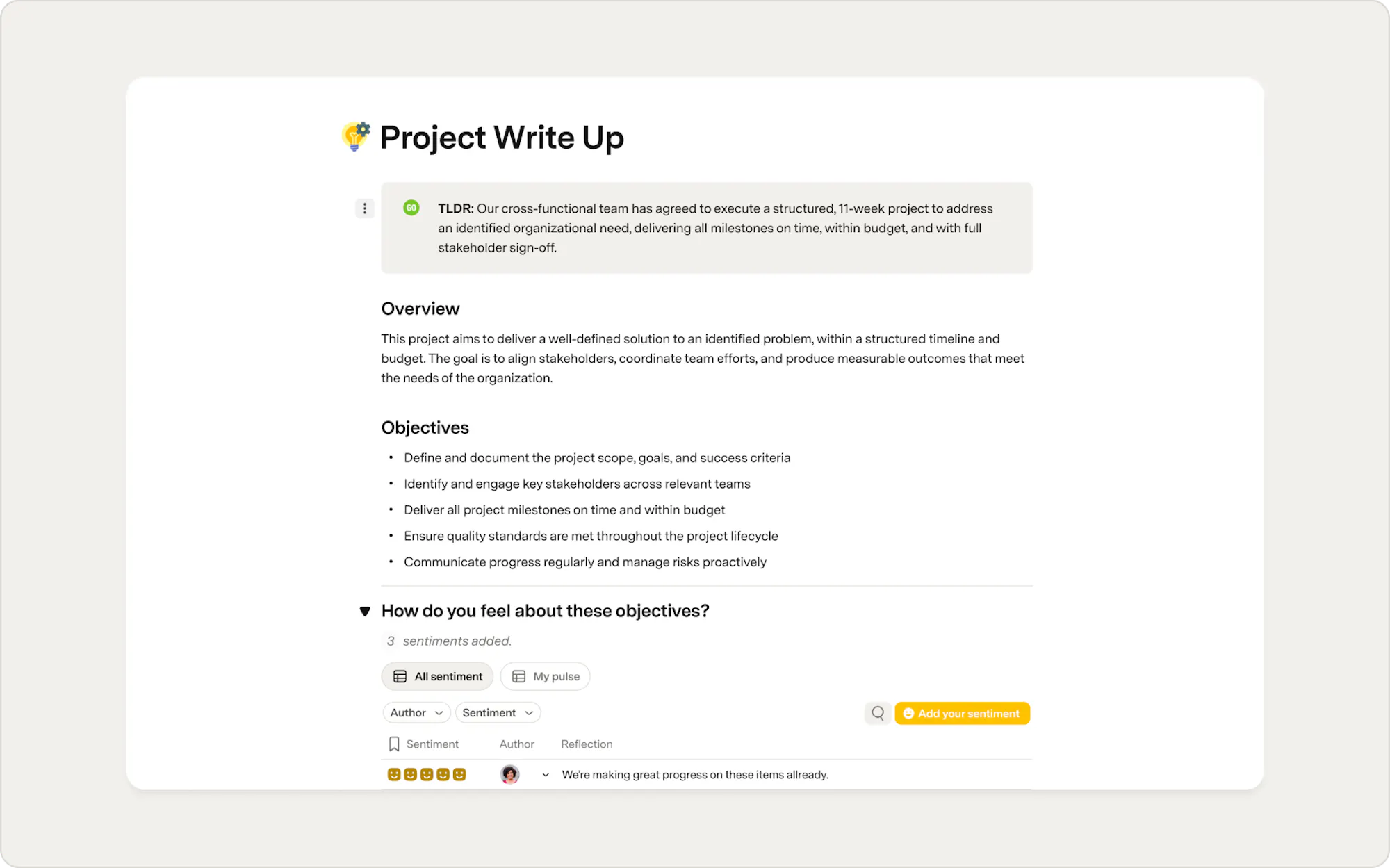
Pages replace interfaces
Airtable interfaces provide different ways to interact with the same data. In Superhuman Docs, pages serve a similar purpose. Pages can be used to create dashboards, organize documentation, or present filtered views for different audiences. Customize pages with layouts, callouts, columns, buttons, reactions, AI, and more using the slash command or the Insert panel.Tables and views
Like Airtable, Superhuman Docs uses tables to organize structured data. Although some of the terminology is different, many of the concepts work the same way. For example, what Airtable calls a record, Superhuman Docs calls a row. Likewise, Airtable fields are called columns in Superhuman Docs. You can also create multiple views of the same table to show different subsets of your data. For example, you might create one view for your project team and another that highlights only the information your leadership team needs.
Views
In both Superhuman Docs and Airtable, a view refers to a filtered, sorted version of your data.
Organize your workspace with pages
Navigating a doc is a bit different from navigating a base. In Airtable, bases and views appear in the left-hand sidebar, while tables/datasets are listed in the tabs at the top of the page. In Superhuman Docs, navigating your information is more intuitive. Because Superhuman Docs docs contain text and tables side by side rather than just tables, Superhuman Docs allows you to group chunks of information into pages and subpages.From integrations to Packs and embeds
Both Airtable and Superhuman Docs are known for their ability to handle robust datasets and their powerful integrations. Unique to Superhuman Docs, however, is just how flexible it can be — with over 700+ Packs each with their own building blocks, like sync tables, buttons, actions, and more. Packs allow you to integrate and centralize a whole ecosystem of tools into one central space, Superhuman Docs.
To add a Pack, use the insert panel on the top right or the slash command. Some Packs, like Salesforce and Jira, have two-way sync built in, so you can easily send updates from your doc back to that application. The best part is there’s no messy setup required. Just add in your sync table, connect your ‘write’ account, and you’re ready to go.
To add a Pack, use the insert panel on the top right or the slash command. Some Packs, like Salesforce and Jira, have two-way sync built in, so you can easily send updates from your doc back to that application. The best part is there’s no messy setup required. Just add in your sync table, connect your ‘write’ account, and you’re ready to go.
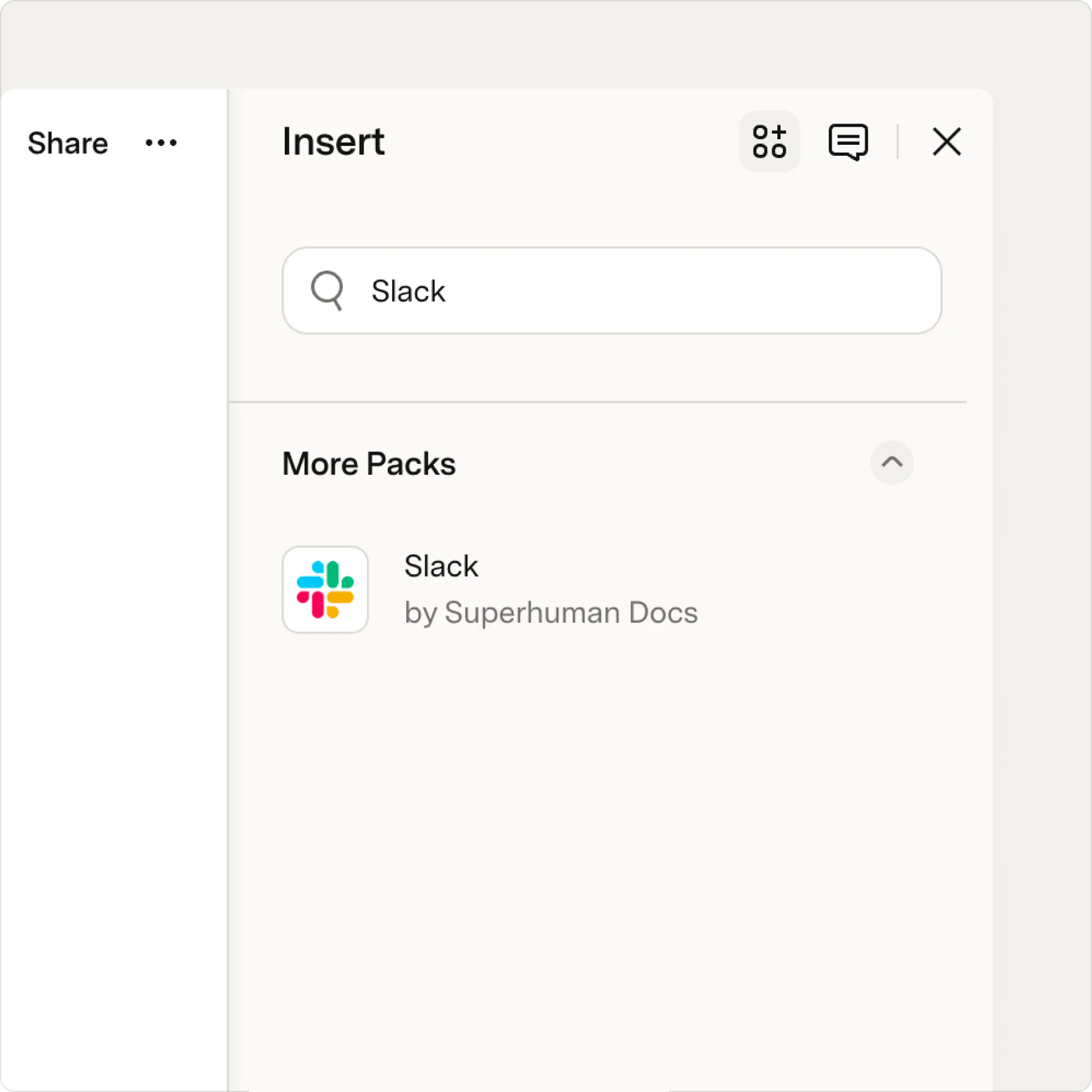
Embed content from other tools
Not every workflow requires syncing data. If you simply want to bring important resources into one place, you can embed content directly into your doc. Use embeds to display content from tools like Google Docs, Google Slides, Figma, Miro, and more, so your team can access everything they need without switching between applications.Now what?
You’ve got the gist of Superhuman Docs and are ready to dive a little deeper. Here are some suggested next steps:- Learn more about Superhuman Docs tables with our Introduction to table views in Superhuman Docs guide
- Unlock the power of Packs by reading our Combine automations and Packs guide.
- Nail the Superhuman Docs basics with a webinar.
Was this helpful?
YesNo